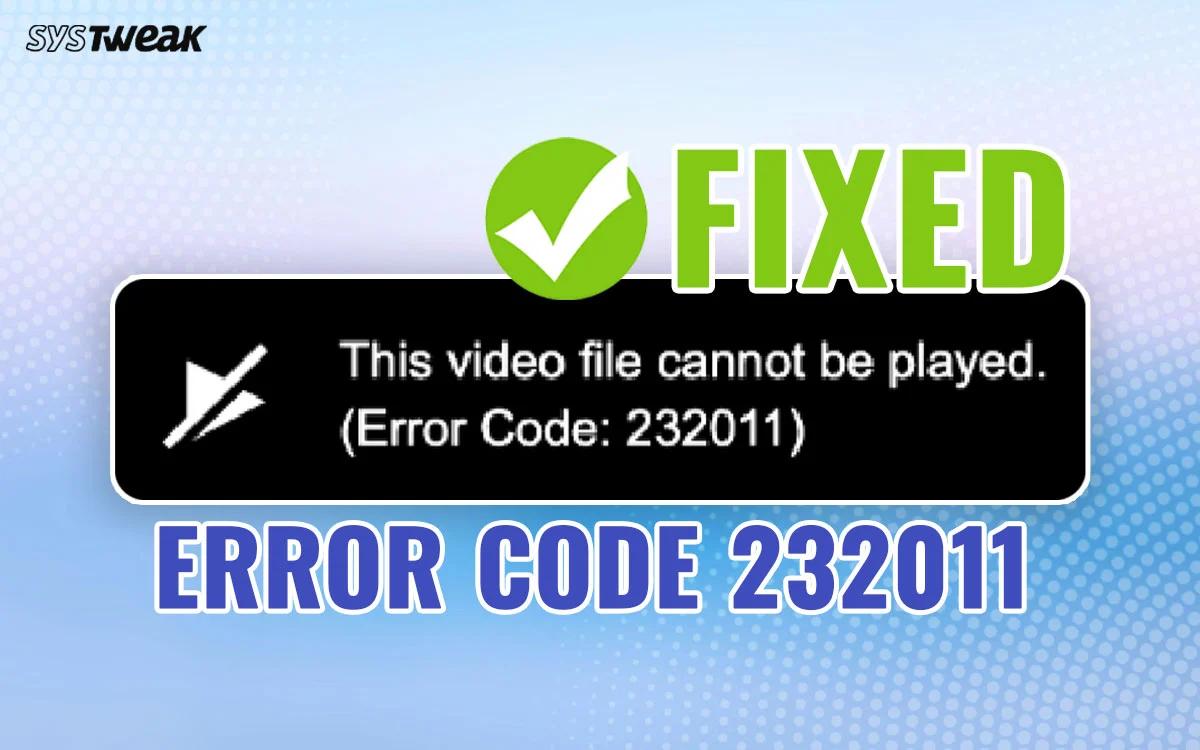
Streaming videos online has become part of everyday life, whether you’re watching educational content, live events, or entertainment. Occasionally, users encounter playback issues that interrupt the viewing experience. One of the most commonly searched errors is error code 232011, which is typically associated with video playback problems in web browsers. The error can occur for several reasons, including browser settings, internet connectivity, cached data, extensions, or temporary server issues. Understanding the possible causes can help you identify the problem and restore normal playback more quickly.What Is Error Code 232011?Error code 232011 is generally a video playback error that may appear when a browser cannot properly load or play online video content.Depending on the website and video player being used, the error may result from:Browser compatibility issuesInternet connection problemsCorrupted browser cacheSecurity settingsBrowser extensionsTemporary server interruptionsThe exact cause can vary depending on the website and your device.Common Causes of Error Code 232011Several factors may contribute to this playback error.Internet Connection ProblemsA slow or unstable internet connection can interrupt video streaming.Common signs include:Frequent bufferingVideo loading failuresPlayback interruptionsReduced video qualityTesting your internet connection is often a good first troubleshooting step.Browser Cache IssuesBrowsers store cached files to improve loading speed.Over time, outdated or corrupted cache data may interfere with video playback.Clearing your browser cache often resolves this type of issue.Outdated BrowserModern websites regularly adopt new web technologies.An outdated browser may experience compatibility problems with video players.Keeping your browser updated helps improve:SecurityStabilityVideo compatibilityPerformanceBrowser ExtensionsSome browser extensions can interfere with media playback.Examples include:Ad blockersPrivacy extensionsScript blockersTemporarily disabling extensions one at a time can help identify whether one is causing the problem.How to Fix Error Code 232011Refresh the PageSometimes the error is temporary.Refreshing the webpage may successfully reload the video.Clear Browser Cache and CookiesRemoving outdated cached files can resolve playback conflicts.Most browsers provide cache-clearing options within their settings menu.Restart Your BrowserClosing and reopening the browser clears temporary processes that may affect video playback.Update Your BrowserInstall the latest browser version to ensure compatibility with modern websites.Try Another BrowserTesting another supported browser helps determine whether the issue is browser-specific.Check Your Internet ConnectionVideo streaming requires a stable network connection.Try these steps:Restart your router.Test another website.Move closer to your Wi-Fi router.Use a wired connection if available.Network improvements often resolve streaming issues.Disable VPN or Proxy ServicesSome websites may experience compatibility issues with certain VPN or proxy configurations.If you’re using one, temporarily disabling it may help determine whether it is contributing to the error.Always consider your privacy and security needs before changing your network settings.Device TroubleshootingYour computer or mobile device can also affect playback performance.Restart Your DeviceA simple restart clears temporary system processes.Close Background ApplicationsRunning many applications simultaneously can reduce available system resources.Check Available StorageLow available storage may affect browser performance on some devices.Website-Related IssuesSometimes the problem originates with the website rather than your device.Possible causes include:Temporary maintenanceServer outagesVideo hosting issuesRegional service interruptionsIf this is the case, waiting and trying again later may resolve the problem.Best Practices for Smooth Video StreamingTo improve your streaming experience:Keep your browser updated.Clear cache periodically.Maintain a stable internet connection.Restart your device occasionally.Close unnecessary browser tabs.Use supported browsers.These habits improve compatibility with many streaming websites.When to Contact Website SupportIf you’ve tried multiple troubleshooting steps and the issue continues, contacting the website’s official support team may be appropriate.Helpful information to provide includes:Browser versionDevice typeOperating systemTime the error occurredAny troubleshooting steps already completedProviding detailed information can help support teams investigate more efficiently.The Future of Online Video StreamingStreaming technology continues improving through advances in web development.Emerging improvements include:Faster content delivery networksBetter video compressionAI-assisted streaming optimizationImproved browser compatibilityEnhanced cloud infrastructureThese developments continue making online video playback more reliable across different devices.FAQsWhat does error code 232011 mean?Error code 232011 is generally associated with online video playback problems that may result from browser issues, internet connectivity, cached files, extensions, or temporary server interruptions.Will clearing my browser cache help?Yes. Clearing cached files and cookies can often resolve playback issues caused by outdated browser data.Can browser extensions cause this error?Yes. Some extensions, including ad blockers or privacy tools, may interfere with video playback. Testing with extensions temporarily disabled may help identify the cause.Should I update my browser?Yes. Keeping your browser updated improves compatibility, security, and support for modern video players.What if the website is experiencing technical problems?If the issue is caused by temporary server maintenance or service interruptions, waiting and trying again later may resolve the error without further action.ConclusionEncountering error code 232011 can be frustrating, but in many cases the issue can be resolved through basic troubleshooting. Checking your internet connection, clearing browser cache, updating your browser, testing another browser, and reviewing browser extensions are among the most effective steps. If the problem stems from the website itself, waiting until the service is restored may be the only solution. By following these troubleshooting practices, you can improve your chances of restoring smooth and reliable video playback.