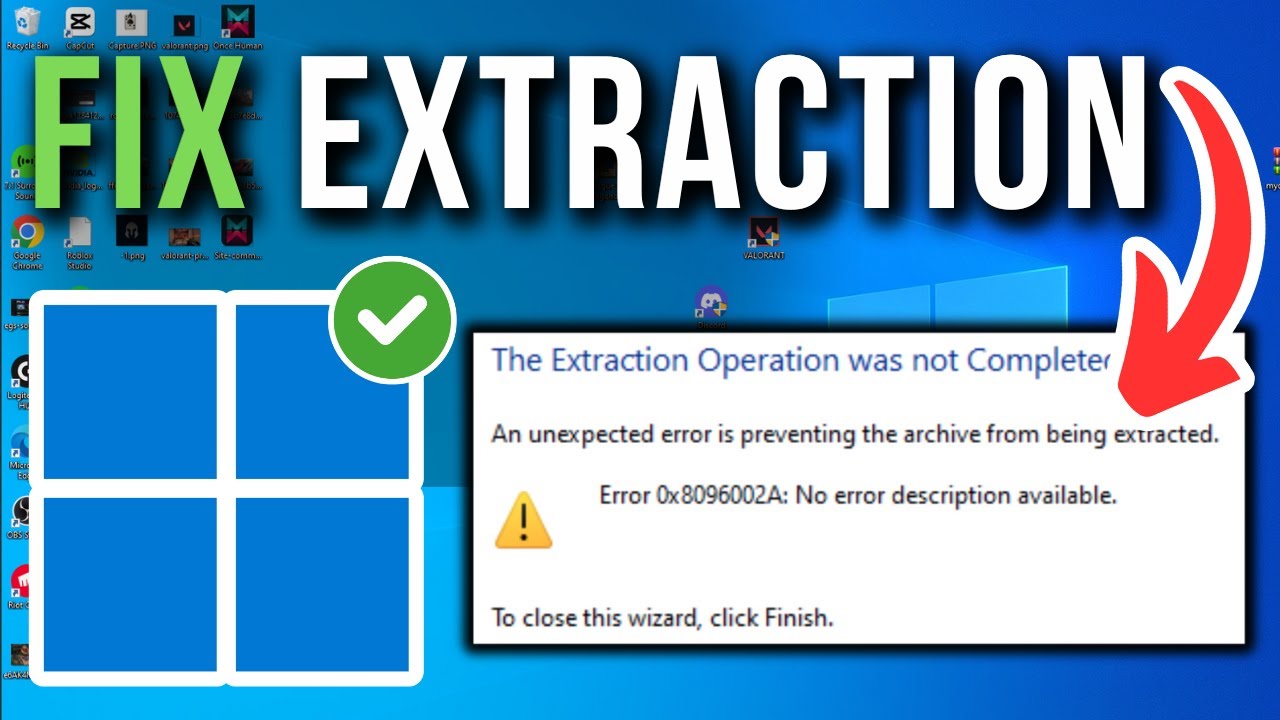
Receiving the message the extraction operation was not completed can be frustrating, especially when you need immediate access to compressed files. This error may appear while extracting ZIP, RAR, 7Z, or other archive formats and can result from several different issues, including corrupted archives, insufficient storage space, file permission problems, or software compatibility. Understanding the possible causes and following a structured troubleshooting process can often resolve the issue without requiring advanced technical knowledge.What Does “The Extraction Operation Was Not Completed” Mean?This error generally indicates that your computer was unable to finish extracting the contents of a compressed archive.The interruption may occur before extraction begins or while files are being unpacked.Possible reasons include:Damaged archive filesIncomplete downloadsInsufficient storage spaceFile permission restrictionsUnsupported archive formatsSoftware conflictsThe exact cause depends on the file, extraction software, and operating system.Common CausesCorrupted ArchiveIf the compressed file becomes damaged during download or storage, extraction may fail.Signs of file corruption include:Unexpected error messagesMissing files after extractionExtraction stopping before completionDownloading the file again may resolve the problem if the original download was incomplete.Incomplete DownloadLarge files occasionally fail to download completely because of interrupted internet connections or browser issues.Verify that the downloaded file size matches the expected size whenever possible.Insufficient Storage SpaceExtraction requires enough available disk space to create temporary and final files.If your drive is nearly full, the extraction process may stop unexpectedly.Unsupported File FormatSome extraction tools support only specific archive formats.For example:ZIPRAR7ZTARGZUsing software that supports the archive format may resolve compatibility issues.File PermissionsRestricted folders or insufficient user permissions can prevent files from being written during extraction.Trying a different destination folder may help.How to Fix the ErrorDownload the File AgainIf you suspect file corruption, download the archive from the original source again.Ensure the download completes successfully before attempting extraction.Check Available StorageConfirm that your storage device has sufficient free space.If necessary:Delete unnecessary files.Empty the recycle bin.Move large files to another drive.Restart Your ComputerA restart can clear temporary system issues that may interfere with extraction.Extract to Another FolderInstead of extracting directly to a protected system directory, try creating a new folder in a location where you have full access.Update Your Extraction SoftwareOlder software versions may not support newer archive formats or compression methods.Installing the latest version can improve compatibility and stability.Try Another Extraction ToolDifferent archive utilities may handle certain files differently.If one application cannot extract the archive, another compatible extraction program may successfully open it.Always download software from official or trusted sources.Check File PermissionsOn some operating systems, permission settings may prevent extraction.Consider:Using an administrator account if appropriate.Choosing a folder with write access.Verifying that the destination location is not read-only.Only make permission changes if you understand their impact.Scan the File for Security RisksBefore opening downloaded archives, scan them using reputable security software.This helps identify potential malware or unsafe files before extraction.Keep your antivirus software updated for the best protection.Verify the Archive FormatSometimes files are renamed incorrectly or downloaded with the wrong extension.Confirm that the archive format matches the software being used.If available, review information provided by the file publisher regarding the recommended extraction tool.Best Practices for Working with Compressed FilesTo reduce future extraction issues:Download files from trusted sources.Verify downloads complete successfully.Keep extraction software updated.Maintain sufficient free storage space.Back up important files regularly.Scan downloaded archives before opening them.These habits improve both reliability and security.Preventing Future Extraction ErrorsSimple maintenance can reduce the likelihood of extraction problems.Helpful practices include:Update your operating system regularly.Install software updates.Monitor disk health.Avoid interrupting downloads.Keep storage devices organized.Routine maintenance supports better overall system performance.When the Problem May Be the Archive ItselfIn some cases, the archive cannot be repaired through local troubleshooting.Examples include:The original archive is damaged.The file was uploaded incorrectly.The archive is incomplete.The publisher created an invalid archive.If possible, contact the file provider or obtain another copy from the original source.The Future of File CompressionCompression technologies continue improving through advances in software development.Emerging trends include:Faster compression algorithmsImproved error recoveryBetter cloud integrationEnhanced archive securityLarger file supportMore efficient storage managementThese improvements help make compressed files more reliable and easier to manage.FAQsWhat does “the extraction operation was not completed” mean?It generally means the extraction software could not successfully unpack the compressed archive because of issues such as corruption, storage limitations, permissions, or compatibility.Can a corrupted ZIP file be repaired?Some archive utilities include repair features for certain archive types, but recovery depends on the extent of the corruption. If possible, downloading a fresh copy is often the most reliable solution.Why does extraction stop halfway?Possible causes include damaged files, insufficient storage space, permission restrictions, software conflicts, or an incomplete download.Will updating my extraction software help?Yes. Installing the latest version may improve compatibility with newer archive formats and resolve known software issues.Should I scan downloaded archives before opening them?Yes. Scanning downloaded files with reputable security software is a good practice to help protect your computer from malicious files.ConclusionEncountering the extraction operation was not completed does not necessarily mean your files are permanently inaccessible. In many cases, the issue can be resolved by checking for file corruption, ensuring adequate storage space, updating your extraction software, or downloading the archive again. Following good file management and security practices can also reduce the likelihood of future extraction errors and help ensure a smoother experience when working with compressed files.